'%20stroke-width='126'%20stroke-linecap='round'/%3e%3ccircle%20cx='685.6'%20cy='305.2'%20r='165'%20fill='url(%23tip6)'/%3e%3ccircle%20cx='685.6'%20cy='305.2'%20r='56'%20fill='%23FFFDF4'/%3e%3c/svg%3e)
The display software Apple forgot to ship.
Candela watches your display's health, protects OLED panels from burn-in, checks for defects and wear, and gives every monitor the controls macOS should have.
Free and open source, forever.

Protection that adapts while you work.
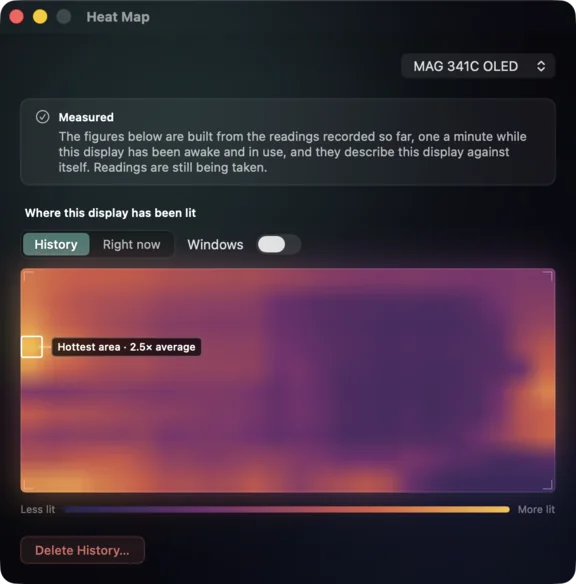
Candela dims an enrolled OLED when you step away, and records where it has been lit. Switch on automatic static-region dimming and it also eases down bright, unchanged regions in place while you work, leaving active content at full brightness.
Targets static hotspots
With that switch on, toolbars, sidebars and other bright regions ease down after they stop changing, without dimming the rest of your display.
Responds as content moves
Move a window or update a region and Candela restores it to full brightness immediately.
Maps cumulative exposure
A local exposure grid tracks where the panel has been lit and for how long. Turn on measurement and it records how brightly, from real screen readings.
Attributes display time by app
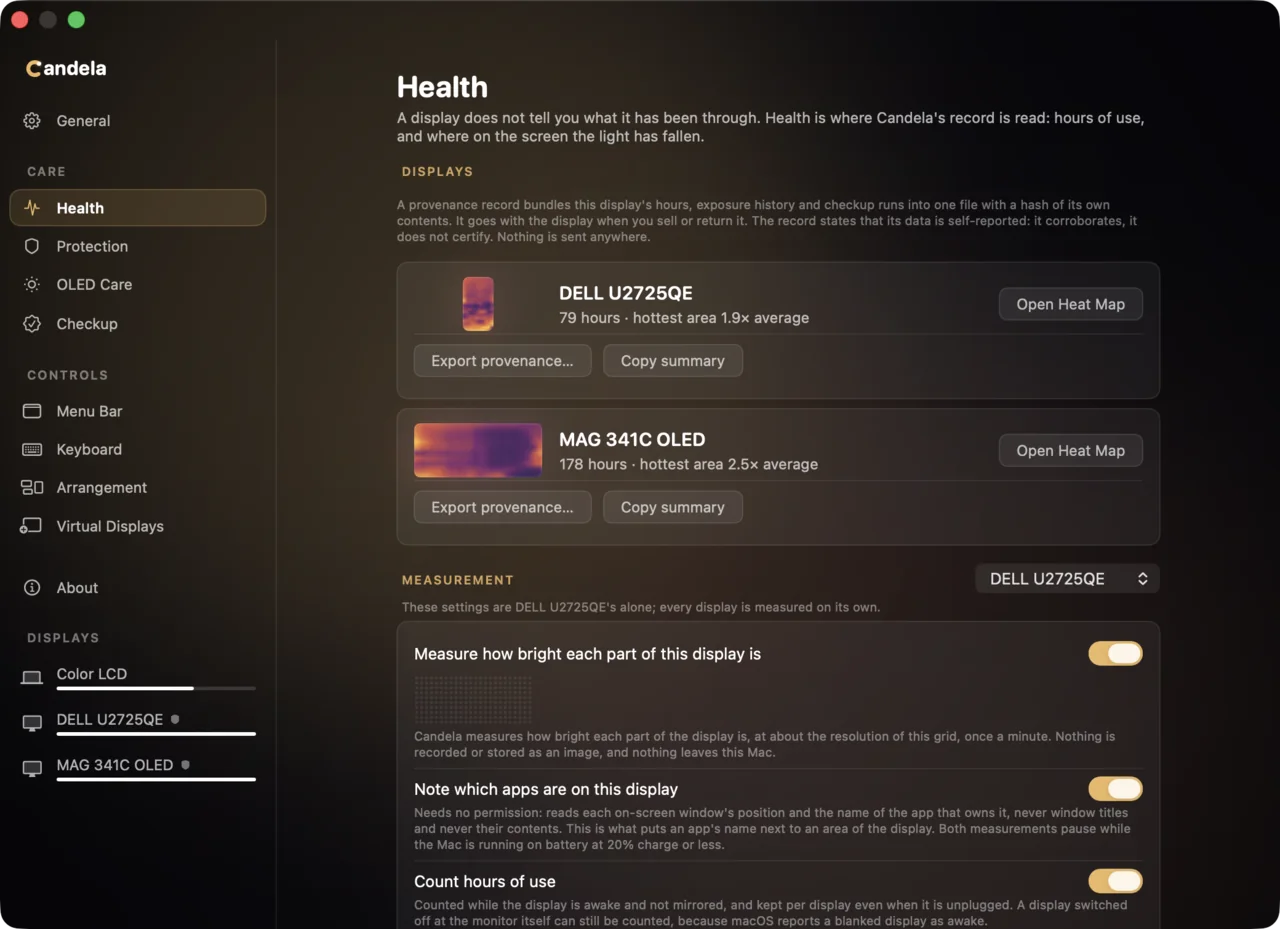
See which apps have occupied the most panel area, without Candela reading window titles or contents.
Exports a portable panel record
Take lifetime hours, exposure history and checkup runs with the display in one integrity-checked file.
See what your panel has been through.
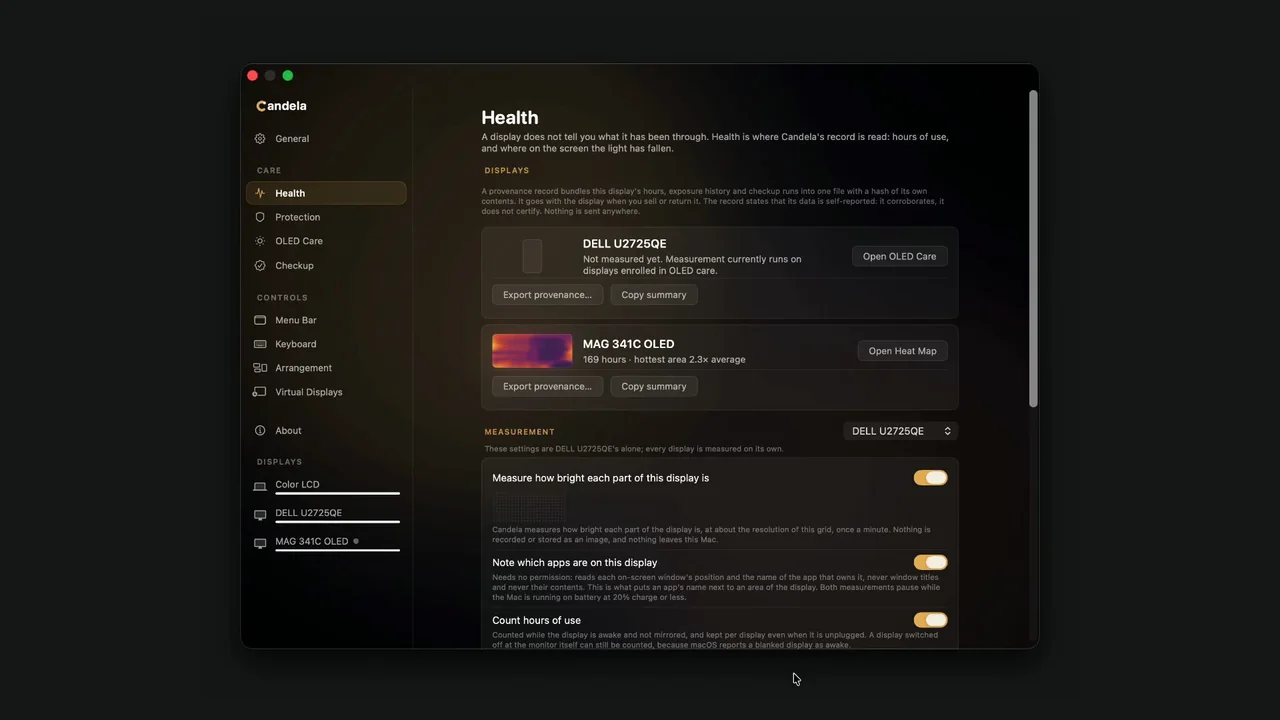
Checks your display for defects and wear.
A checkup ends in a report you keep: what the monitor claims, what Candela observes, and what your eyes confirm.
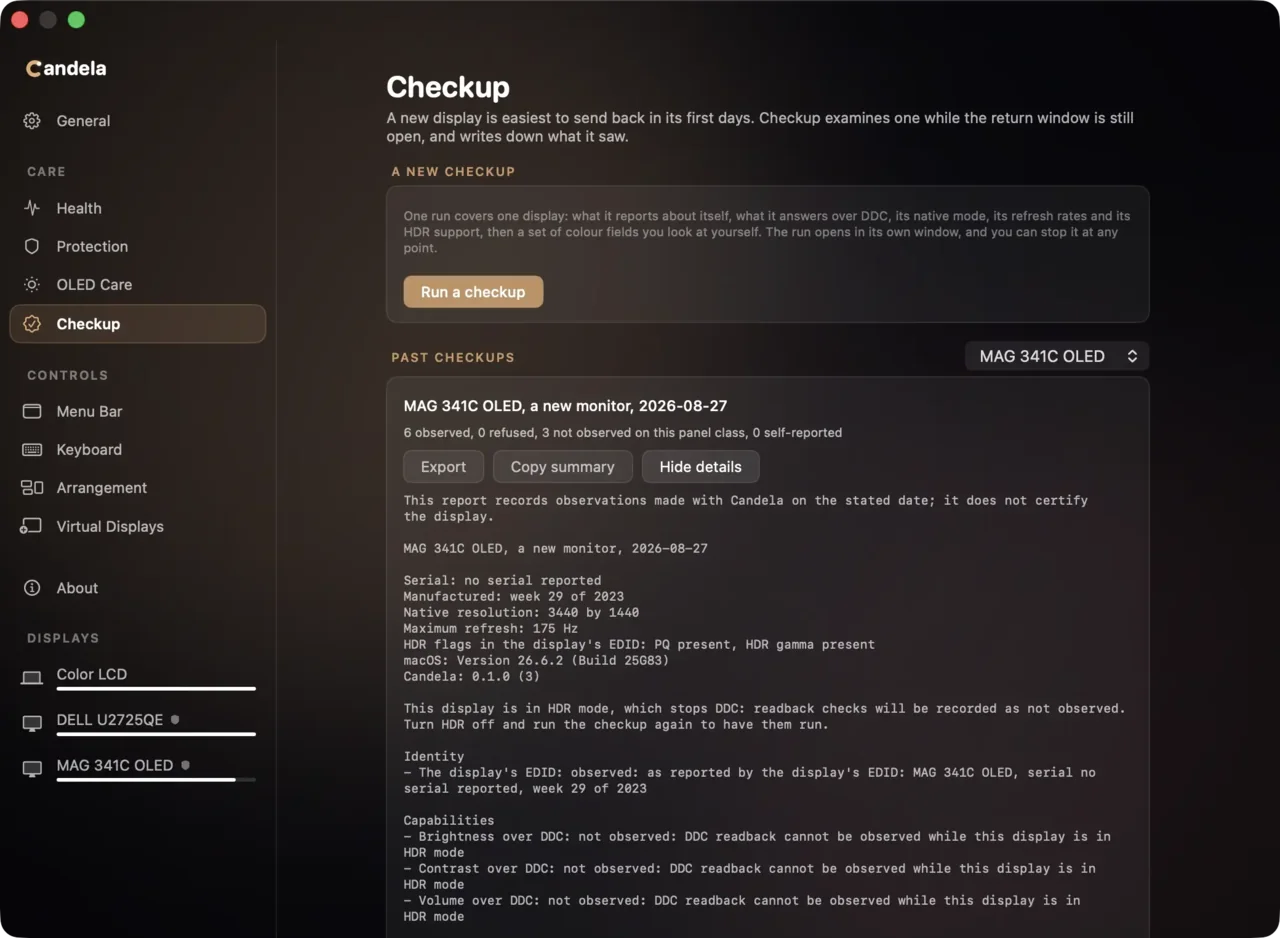
Monitor reports
Candela records the identity and capabilities the display reports about itself.
Candela observes
Mode changes and other checks are labeled by how the result was known.
You confirm
Visual tests can be missed and recorded as inconclusive. A test you cannot fail is not a test.
Every control, for every display.
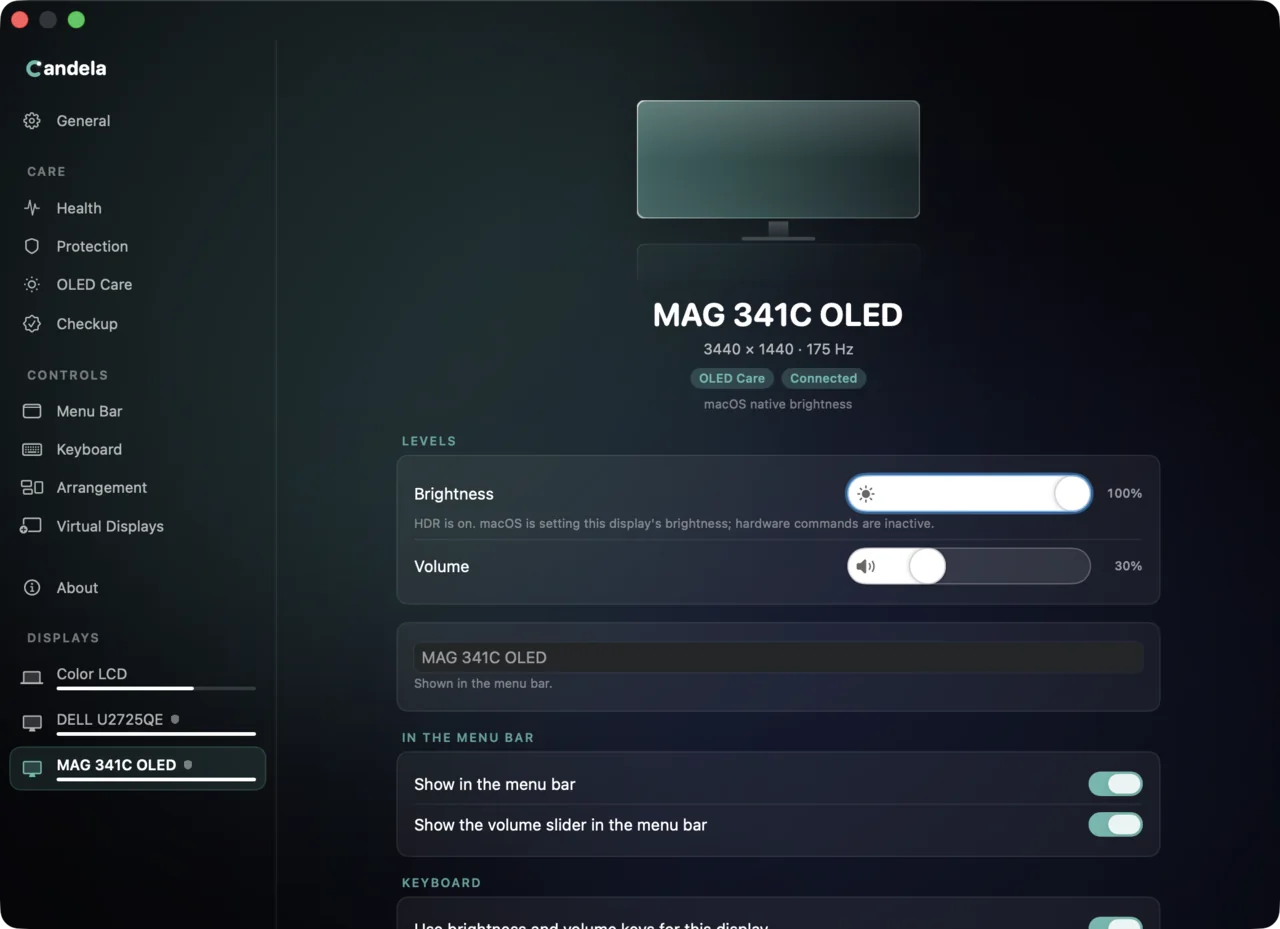
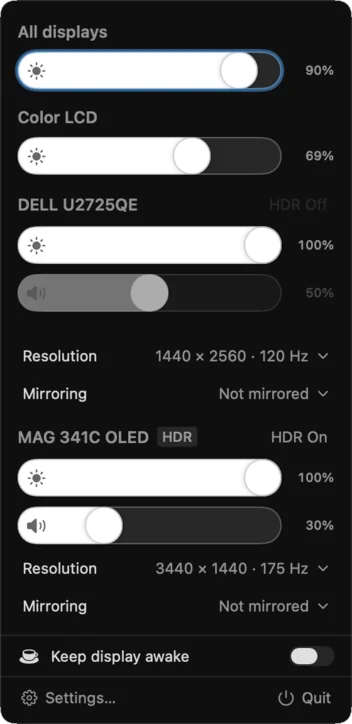
Candela treats external displays like the built-in one: brightness, volume, contrast and mute from the menu bar or the keys you already use.
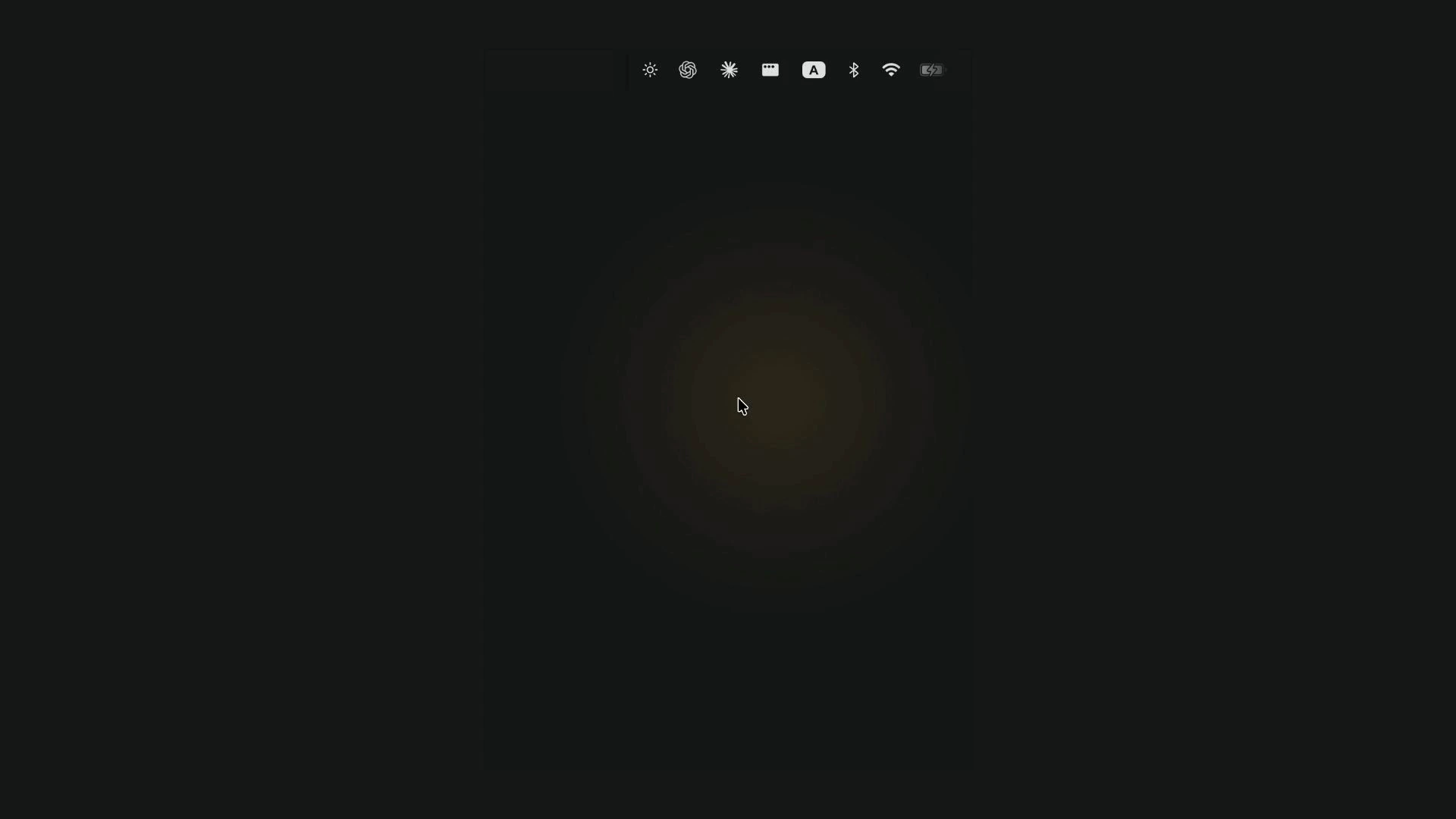
Everyday controls
Control every panel from one menu, with native brightness wherever the display supports it.
Verified at the display
Candela checks what the monitor actually did instead of trusting an acknowledgement.
HDR-aware
Switch HDR in one click and see why a control is unavailable.
The sizes macOS does not list.
A 4K panel can run at many scaled sizes. System Settings offers a handful per display, and Candela finds the rest.
distinct HiDPI sizes found
177 measured HiDPI modes across refresh rates.
- 3360 × 1890
- 3200 × 1800
- 3008 × 1692
- 2560 × 1440
- 2304 × 1296
Five landscape examples. Each renders at double resolution.
Sharper HiDPI
See every scaled size your panel can render, including sharp HiDPI modes System Settings does not list.
Safe rollback
If a new size leaves the screen wrong, Candela restores the previous one unless you keep it.
It configures itself to your setup.
On first launch Candela finds every display, asks each one what it can do, and builds the controls around the answers.
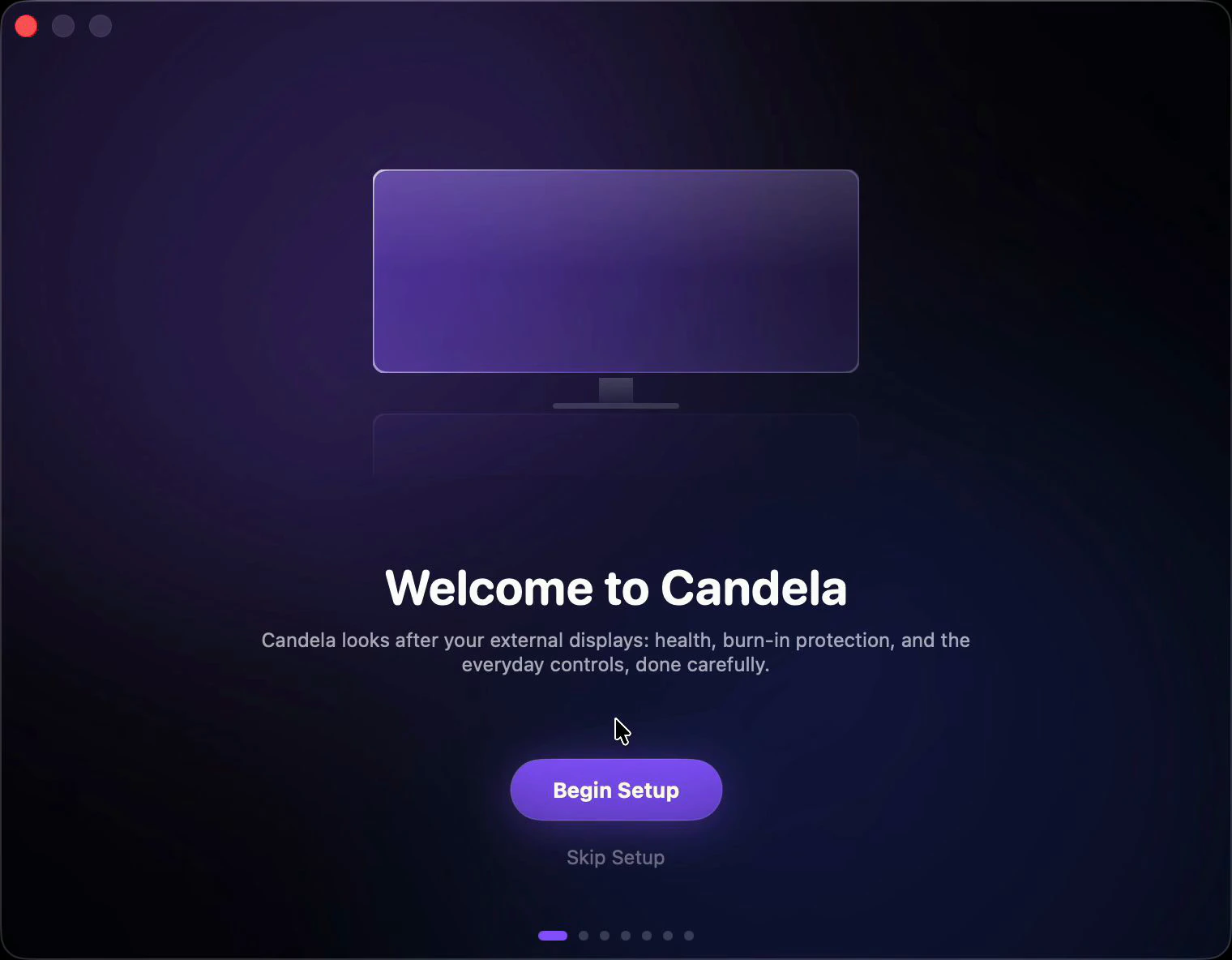
Learns each panel
Candela asks every display what it supports and builds its controls around the answers.
Explains what works
Setup shows which controls each display accepts, in plain language.
Restores your setup
Brightness, resolution and arrangement return after sleep, replugging or reboot.
And the rest of the toolbox.
Virtual displays
Create a display that is not physically there, for a headless Mac or for testing.
Dim past the hardware minimum
When a monitor reaches its lowest hardware setting, Candela can keep dimming in software, all the way to black.
Keep every display in sync
Adjust every display together or keep external panels matched to the built-in display automatically.
Mirroring, arrangement, rotation and refresh rate
Mirror, rearrange and rotate displays, then choose their refresh rates without opening System Settings.
Keep Display Awake
Prevent display sleep from the menu bar for a chosen duration, until a custom end time, or until you turn it off.
Keyboard shortcuts
Put brightness, volume and mute on the keys you choose, including a keyboard Apple never made.
The record is yours, and only yours.
Stays on your Mac
No account, no app telemetry and no upload. Screen samples are discarded after Candela makes the local exposure reading. First-party website analytics are explained and controllable on Privacy.
Measured overhead
Every background feature has a measured performance budget. If it misses, it ships turned off.
Free and open source, forever
Candela is MIT licensed, and the entire app is public. There is no paid tier waiting behind a later version.
FAQ
How is this different from MonitorControl or BetterDisplay?
MonitorControl handles daily controls well, while BetterDisplay is a deeper display toolbox. Candela's difference is the care layer: exposure maps, active OLED protection, checkups, and a record of panel use. If you run two display utilities, let only one control a panel's hardware settings.
My monitor has its own OLED care. Isn't that enough?
Keep it on; Candela never touches it. Pixel shift, static-screen dimming and the refresh cycle are the only protections that run inside the panel. But the monitor only sees a video signal. It cannot tell your Dock from a still photo, whether you are at the desk, or which display you are looking at, so it has to dim cautiously, and it keeps no record you can read. Candela works from what the Mac knows, so it can protect harder without getting in your way, and it shows you where the wear is going. Think of it like a seatbelt and an airbag: both are protection, they cover different situations, and you would still want both in a car.
What do I need to run it?
macOS 14 Sonoma or later on an Apple Silicon Mac. Most DisplayPort, HDMI and USB-C connections carry the display controls Candela needs, but some docks and adapters block them. Diagnostics shows what each connected display supports.
What permissions does it ask for, and why?
Accessibility lets your keyboard's brightness and volume keys control external displays. Screen Recording is optional and is what turns on measured exposure sampling. Without it, a display you enroll still records its hours and which app held which part of it, and the heat map waits for real readings rather than drawing an estimate. Nothing is uploaded.
My monitor ignores every read. Does it still work?
Yes. Some monitors accept changes but report no useful values. Candela keeps the last value it successfully wrote and labels it as last written, never measured. Checkup marks unanswered questions as not observed instead of inventing a result.